
Address Label Template
Print address labels straight from your browser on standard US Letter label sheets. Paste a list of addresses (blank line between each) or fill a whole sheet with your return address, choose the label size, nudge the alignment for your printer and print. Nothing is uploaded.
- Free to use
- No sign-up
- Runs in your browser
Print address labels
Address Label Template Pack
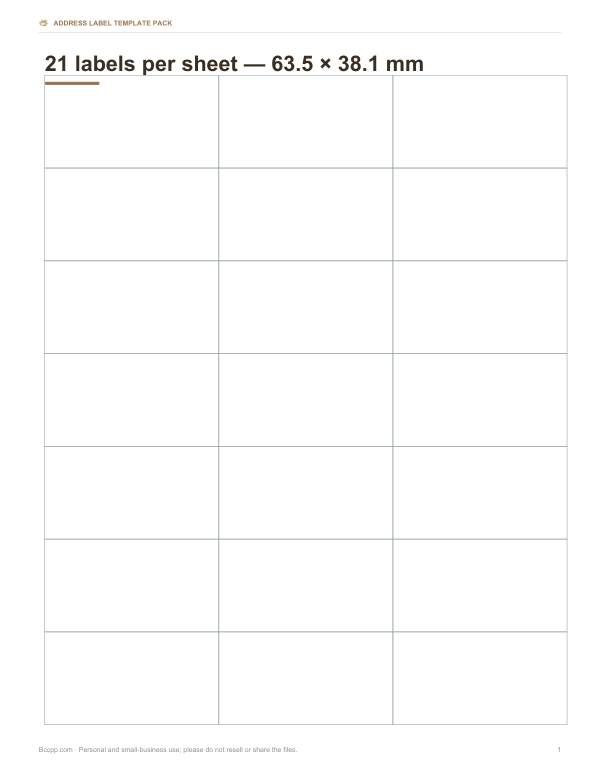
Word label templates for 30, 20, 10 and 80-up US Letter sheets and 21 and 14-up A4 sheets, a mailing list workbook with label formulas and an alignment test sheet.
- US Letter label templates (DOCX, PDF)
- A4 label templates (DOCX, PDF)
- Mailing list workbook (XLSX)
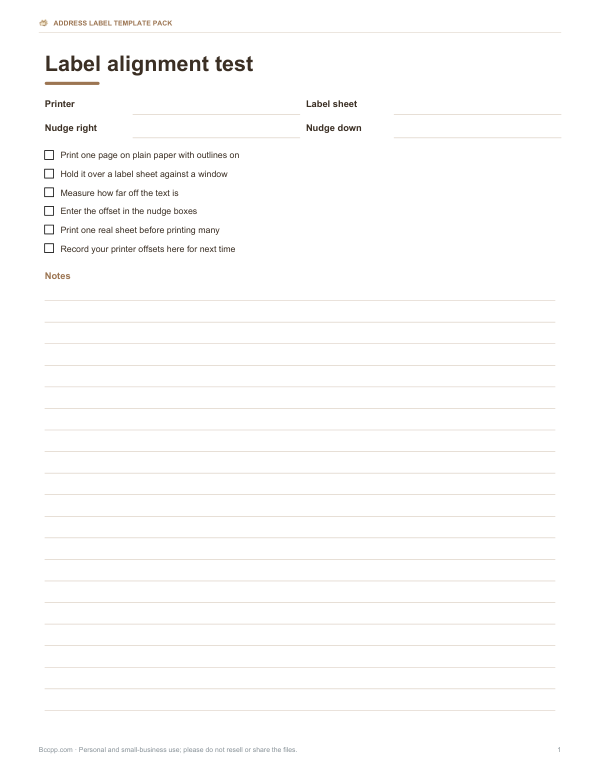
- Alignment test guide (PDF, DOCX)
Formats: DOCX, PDF, XLSX. Instant download after payment (link valid 72 hours, up to 5 downloads). AI-assisted: the templates were drafted with AI help and reviewed and laid out before publishing.
$3.00 USD, one-time 4 files · about $0.75 each
- Instant download
- 7-day refund
- Secure checkout by Stripe
7-day money-back guarantee. Full refund within 7 days of purchase, even after you download.
Free sample: Label Alignment Test (PDF, 99 KB)
Full refund within 7 days — see the refund policy and license.
Free printables
Single sheets you can print right now, no sign-up. The full pack adds every sheet in one download plus the editable files.
How to print address labels
- Choose the label sheet that matches your pack — the size and number per sheet are printed on the box.
- Paste your addresses with a blank line between each, or choose “Same address on every label” for return address labels.
- If you have already used some labels on a sheet, enter how many to skip.
- Print a test on plain paper with outlines on, hold it against a label sheet up to a window, and check alignment.
- Use the nudge settings to shift everything if the test is off, then print on the label sheet.
In the print dialog, set paper size to Letter, scale to 100% (Actual size) and margins to None. “Fit to page” shrinks the layout and misaligns labels.
Standard label sheet sizes
| Labels per sheet | Label size | Layout | Common use |
|---|---|---|---|
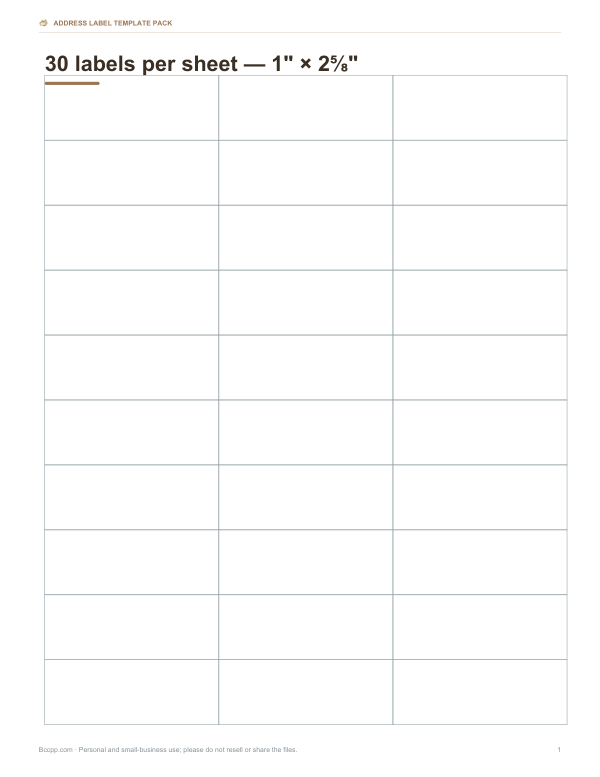
| 30 | 1" × 2⅝" | 3 columns × 10 rows | Mailing addresses; most common |
| 20 | 1" × 4" | 2 × 10 | Longer addresses, business mail |
| 10 | 2" × 4" | 2 × 5 | Shipping labels, larger text |
| 80 | ½" × 1¾" | 4 × 20 | Small return address labels |
Sizes are listed with a common product number in brackets in the selector, because many brands make compatible sheets with the same layout. Check your packet for the layout and margins; if yours differ, use the nudge settings.
Formatting addresses for US mail
- Line 1: recipient name (and title if desired).
- Line 2: street number and name, plus apartment or suite — “1200 Market Ave Apt 5B”.
- Line 3: city, two-letter state abbreviation and ZIP code — “Denver, CO 80202”; ZIP+4 if known.
- Keep text left-aligned and use a clean font at 8–12 pt.
- For international mail, put the country in capitals on the last line.
Clear, well-formatted labels are read reliably by postal sorting machines, which helps mail arrive on time.
Worked example
For 45 holiday cards, the addresses are pasted from a spreadsheet with a blank line between each and printed on 30-per-sheet labels. The tool reports 45 labels on 2 sheets. A test print on plain paper held against a label sheet shows everything is about 1/16 inch too low, so “Nudge down” is set to −0.06. The second sheet had 15 labels left over from the first print, so next time “Skip used labels” can be set to 15 when printing the leftover sheet.
Return address labels
Return labels are small — the 80-per-sheet size is ½" × 1¾" — so keep them to three short lines at 7–8 pt. Choose “Same address on every label” and paste your address once. A sheet of 80 lasts a long time for bill payments, cards and small parcels.
Getting a mailing list ready
- Keep names and addresses in a spreadsheet with separate columns for name, street, city, state and ZIP.
- Combine them into blocks: in a spreadsheet, a formula such as =A2&CHAR(10)&B2&CHAR(10)&C2&", "&D2&" "&E2 builds a label block; copy the column and paste into the tool, adding blank lines between blocks.
- Sort by ZIP code for bulk mailings.
- Check for duplicates and outdated addresses before printing.
Troubleshooting alignment
| Problem | Fix |
|---|---|
| Everything too high or low | Adjust “Nudge down” (negative moves up) |
| Everything too far left or right | Adjust “Nudge right” (negative moves left) |
| Labels drift further down the page | Printer is scaling — set 100% / Actual size |
| Text cut off at edges | Reduce font size or shorten lines |
| Sheet jams | Feed one sheet at a time from the manual tray; do not reuse partial sheets that have peeled edges |
Designing clear labels
Keep a comfortable margin inside each label — the tool pads text by about an eighth of an inch on each side — so small misalignments do not cut letters off. Use one font throughout, avoid all-caps script fonts, and keep line lengths short enough to fit the label width at your chosen size. For labels that go on parcels, a slightly larger 2" × 4" label leaves room for a bold recipient name. For wedding or party invitations, a larger font size on 1" × 4" labels looks more elegant than cramming text onto smaller ones.
Printing many sheets efficiently
Print a single test sheet before any large run, then print in batches of five to ten sheets so you can catch paper feed problems early. Fan the label sheets before loading to separate them, and store unused sheets flat in their packet so the edges do not curl. Keep a note of the nudge values that worked for your printer — they will be the same next time.
Laser or inkjet?
Label sheets are made for laser printers, inkjet printers, or both — check the packet. Using inkjet labels in a laser printer can melt adhesive inside the printer. Inkjet ink on glossy labels may smear; let them dry before handling. For water resistance, choose weatherproof labels.
Privacy
Addresses are processed in your browser only. They are not uploaded, stored or shared, and they disappear when you close the page.
Frequently asked questions
What is the most common address label size?
The 30-per-sheet 1" × 2⅝" label on US Letter paper.
How do I stop labels printing out of alignment?
Print at 100% with no margins, test on plain paper and use the nudge settings.
Can I print on a partly used sheet?
Yes, set “Skip used labels” to the number already used.
Can I print A4 label sheets?
This tool uses US Letter layouts. The paid pack includes common A4 layouts as Word templates.
Are my addresses uploaded?
No, everything runs in your browser.
How many lines fit on a 1" label?
Usually four lines at 9–10 pt.